How AI Chat Navigator Was Born (and Why It Had to Exist)
AI chat threads are powerful—but once they get long, they become hard to use. The screen only shows a small slice of the conversation, and you end up scrolling endlessly just to find where something was said.
I wanted a simple capability that AI chat sites didn’t provide: a conversation outline—a “table of contents” for your AI chats.
1Step 1 — The first idea: “Chat Outline”
The earliest version focused on one thing: generate a clean list of the thread’s prompts/questions so you can understand the whole conversation at a glance. No more getting lost in a sea of text.
2Step 2 — Outline becomes navigation
Once an outline exists, the next step is obvious: click an item → jump to that Q&A.
That transforms the chat from a scroll-only stream into something more like a navigable document. Suddenly, long conversations become manageable, and finding that one specific code snippet or answer takes seconds, not minutes.
3Step 3 — From reading to reusing: export + mindmap
Over time, the project grew beyond navigation:
- Export/CopyBecause good answers should be reusable in docs, notes, and research. With one click, capture exactly what you need.
- Mindmap ViewBecause some answers are easier to understand as a structured tree than as a wall of text. Visualize complex ideas instantly.
The bigger idea: a conversation management layer
AI Chat Navigator is intentionally built as a layer on top of existing AI chat websites—so you can use your favorite models and still get a better workflow.
"If you’ve ever thought 'this answer is valuable, but I’ll never find it again,' that’s exactly the problem it’s designed to solve."
Development Timeline
We didn't just build a tool; we defined a category. See the timeline of the original AI Chat Navigator.
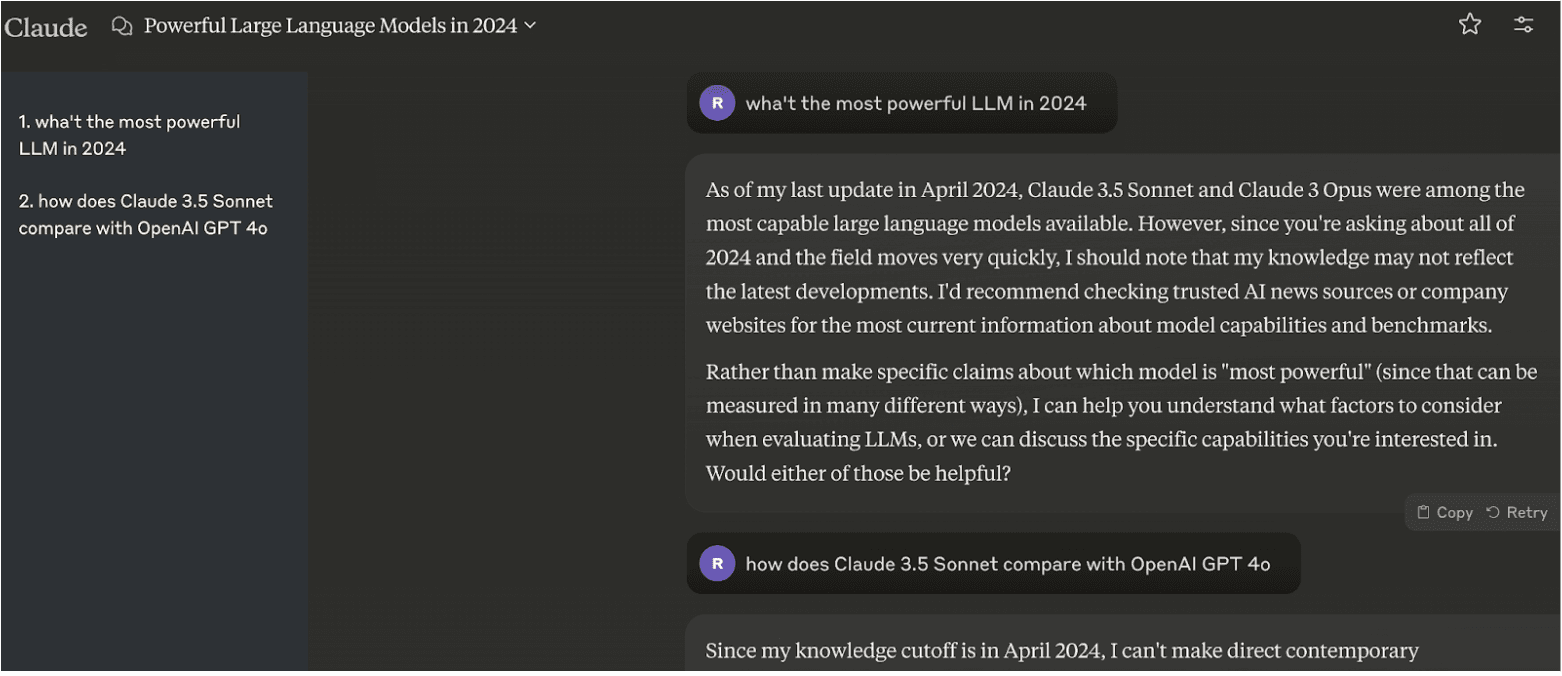
Concept Born: "Chat Outline"
Started development under the working title "Chat Outline". The core idea of navigating long conversations was implemented.
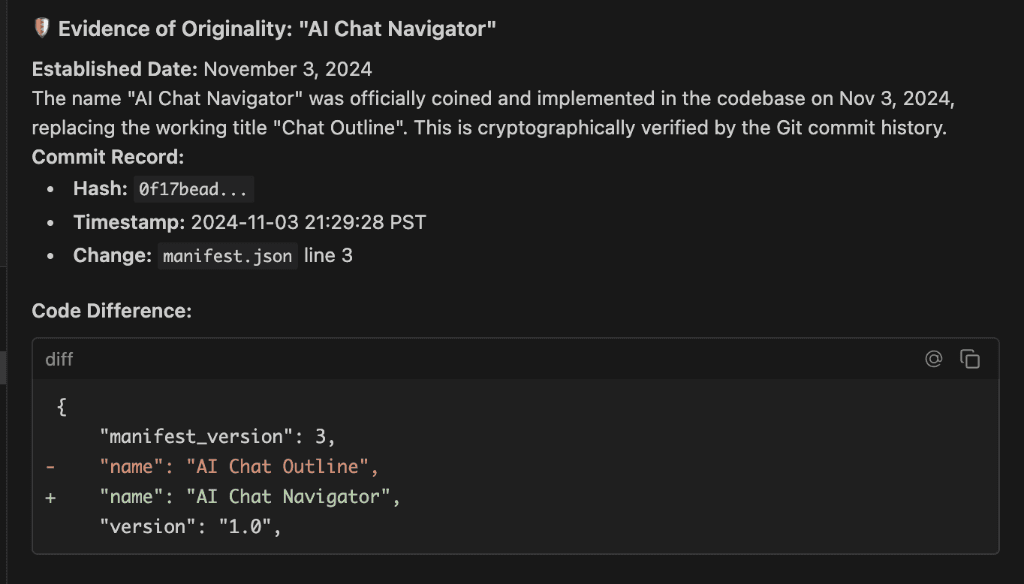
Renamed to "AI Chat Navigator"
Officially coined the term "AI Chat Navigator" and updated the codebase. This predates all other extensions using this name.
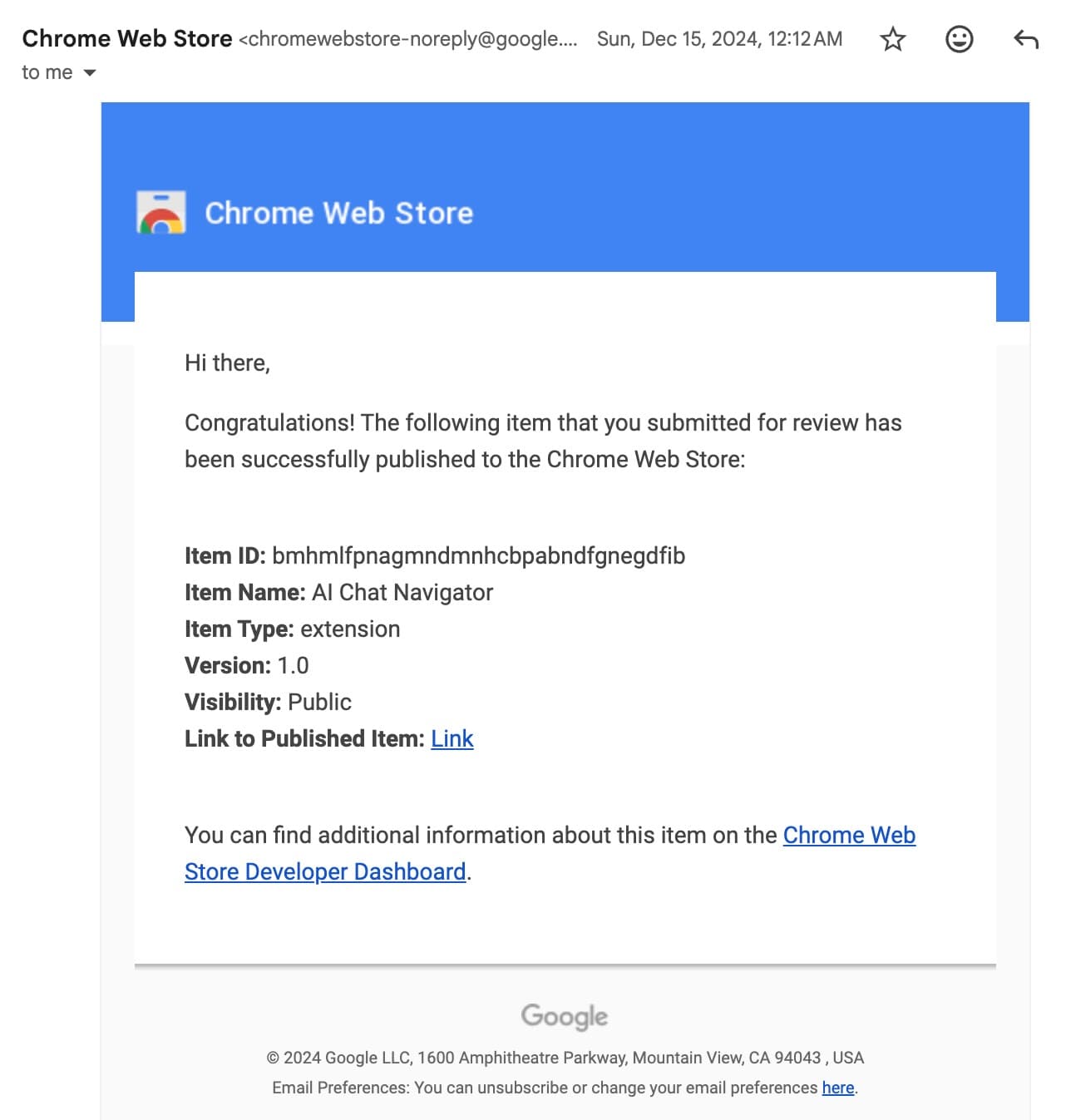
v1.1.0: Multi-Platform Launch
First public release supporting both ChatGPT and Claude. The cross-platform vision becomes reality.
v1.2.0: DeepSeek Integration
Added support for DeepSeek just as it started gaining traction, staying ahead of the curve.
v1.3.0: Grok Support
Expanded the ecosystem to include xAI's Grok, cementing status as the universal navigator.
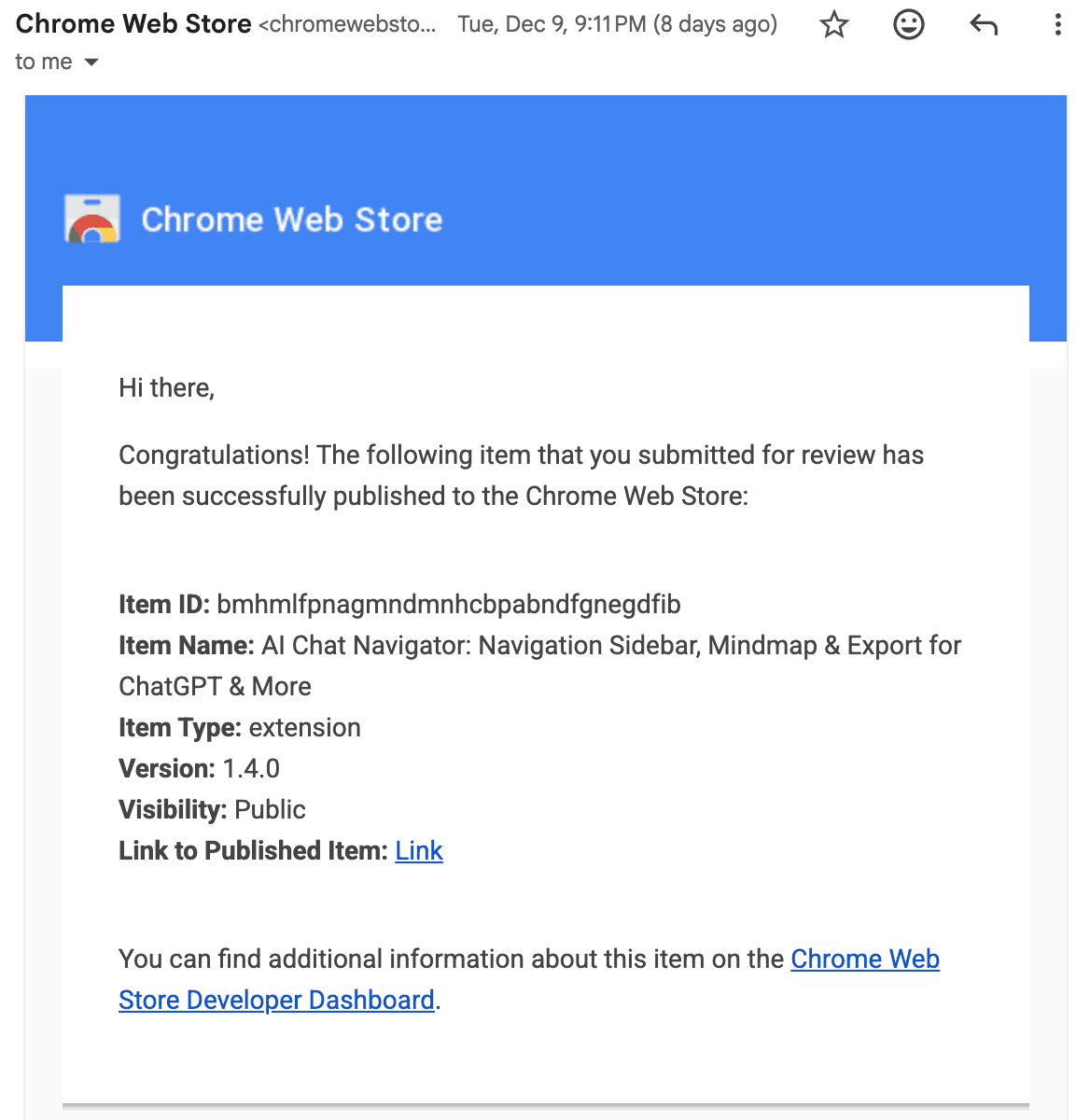
v1.4.0: Major Upgrade Published
Published the latest version featuring universal copy and export options, mindmap visualization, and expanded support for Perplexity, Gemini and Qwen.
The Industry Standard
Widely adopted and imitated, but never equaled. The original continues to lead with new features.
Try it yourself
Ready to upgrade your AI workflow?
Join thousands of users organizing their AI conversations with AI Chat Navigator.
Add to Chrome FreeLearn more: